Add an object
Place decor, a plant, prop, accessory, furniture or a creative element in open space.
Edit one part of an image without starting over. Brush over an area, describe what you want to add or replace, and generate new content using the surrounding photo as context.
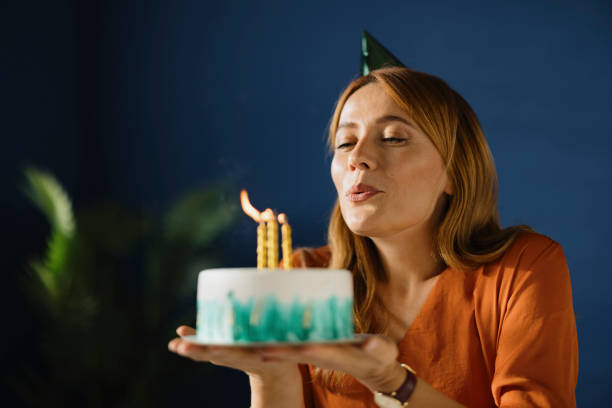
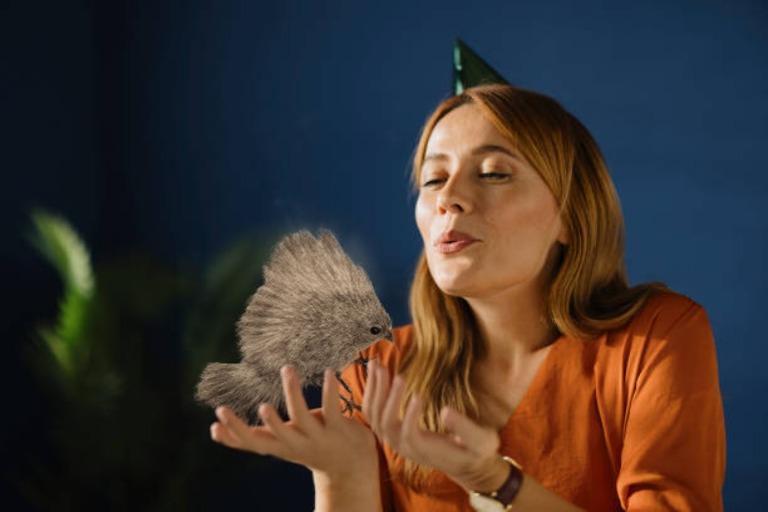
Upload an image, select an area and describe the new content.
PxBee combines an adjustable brush with text-guided image generation. Select part of the photo and describe an object, material, decoration, prop or detail.
The existing lighting, colors, texture and composition provide context. The generated region may look convincing without representing a real object, place, product or event.
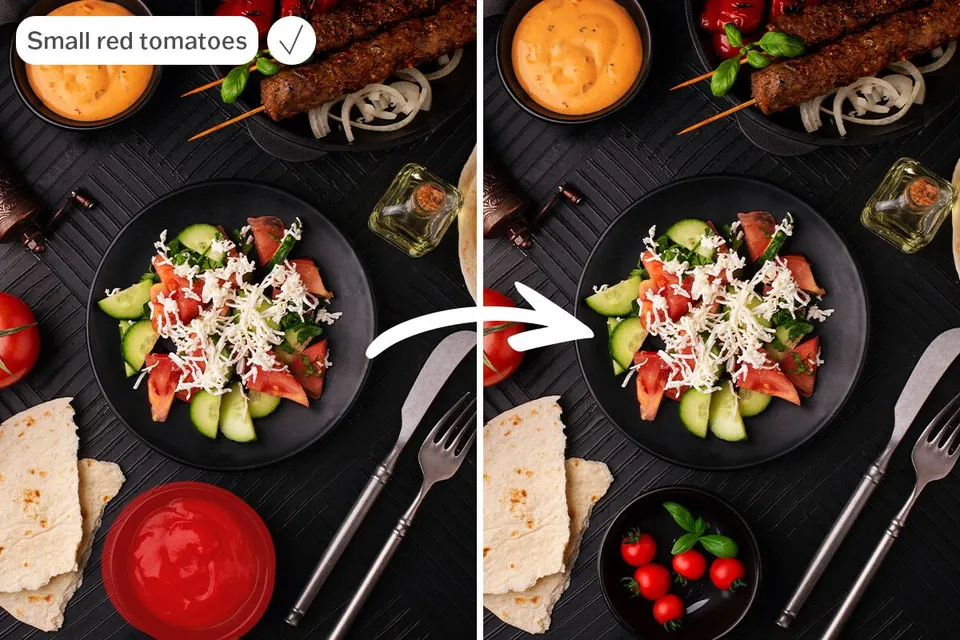
Place decor, a plant, prop, accessory, furniture or a creative element in open space.
Brush over an existing item and describe what should appear instead.
Generate content for a missing or visually incomplete region inside the frame.
Experiment with furniture, decor, seasonal props, campaign elements or compositions.
Introduce small details that support the mood without generating a completely new scene.
Avoid exact writing, brand logos, legal labels or complex numbers; add approved elements afterward.
Medium indoor olive tree in a simple cream ceramic pot, soft window light, realistic shadow on the floor.
Compact modern accent chair, warm beige fabric, wooden legs, front three-quarter view, matching room lighting.
Small folded linen towel beside the product, neutral cream color, soft studio shadow, realistic scale.
Subtle autumn leaves and two small pumpkins, warm natural colors, soft afternoon light, realistic arrangement.
Minimal round wooden side table, light oak finish, matching perspective and indoor lighting.
Small wooden bench beside the path, weathered natural finish, soft overcast daylight, realistic shadow.
Two pastel balloons with thin strings, positioned behind the subject, soft indoor light, natural reflections.
Small red fabric bow tie around the dog’s collar, realistic cloth texture, matching light and shadow.
Choose a JPG, JPEG, PNG or WebP file.
Brush over the open space or object and reduce the brush size near detailed edges.
Describe the object, color, material, position, perspective, lighting and finish.
Let PxBee fill the selected area using the surrounding image as context.
Check boundaries, shadows, reflections, scale, perspective, faces, hands, text and product details.
Save the strongest result or adjust the brush and prompt for another interpretation.
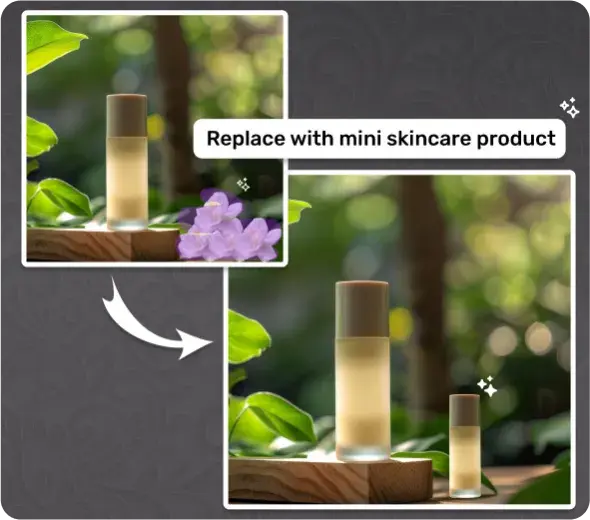
Add props, surfaces or seasonal context, then verify packaging, dimensions, materials, included items, labels and capabilities.
Preview furniture, plants, lamps or decor as inspiration—not a construction plan, measurement or purchasing guarantee.
Add decoration to an authorized portrait without fabricating events or changing identity without consent.
Add playful virtual accessories without forcing an animal to wear or interact with a real prop.
Explore campaigns, then replace generated logos, prices, disclaimers and product text with approved assets.
Add fictional scenery, props, objects or surreal details for art and entertainment.
AI can create incorrect hands or faces, distorted text and logos, inconsistent shadows, wrong perspective, impossible reflections, repeated textures, altered product details, unrealistic scale, broken geometry, imaginary materials and inconsistent selection edges.
Do not use generated content as reliable legal, medical, forensic, architectural, historical or documentary evidence. Read AI Image Editing Limitations.
Brush over the area, describe the result and let PxBee generate a new visual interpretation.
JPG, JPEG, PNG and WebP supported