Blocky enlargements
Reduce obvious square pixels in images enlarged from small originals.
Make a blocky, jagged, or heavily enlarged image look cleaner. PxBee reduces visible pixel squares, smooths rough edges, and estimates more natural-looking detail in your browser.

Upload a JPG, JPEG, PNG, WebP, HEIC, or HEIF image. PxBee analyzes large pixel blocks and jagged transitions, then creates a cleaner-looking interpretation.
Pixelation appears when an image is enlarged beyond its available resolution or saved with too little detail. Individual square pixels become visible, curved edges look stepped, and small features lose definition.
AI unpixelation does not recover the exact missing pixels. It estimates smoother shapes, textures, and edges from the visible source, so the result should be reviewed as an enhanced interpretation rather than a factual restoration.
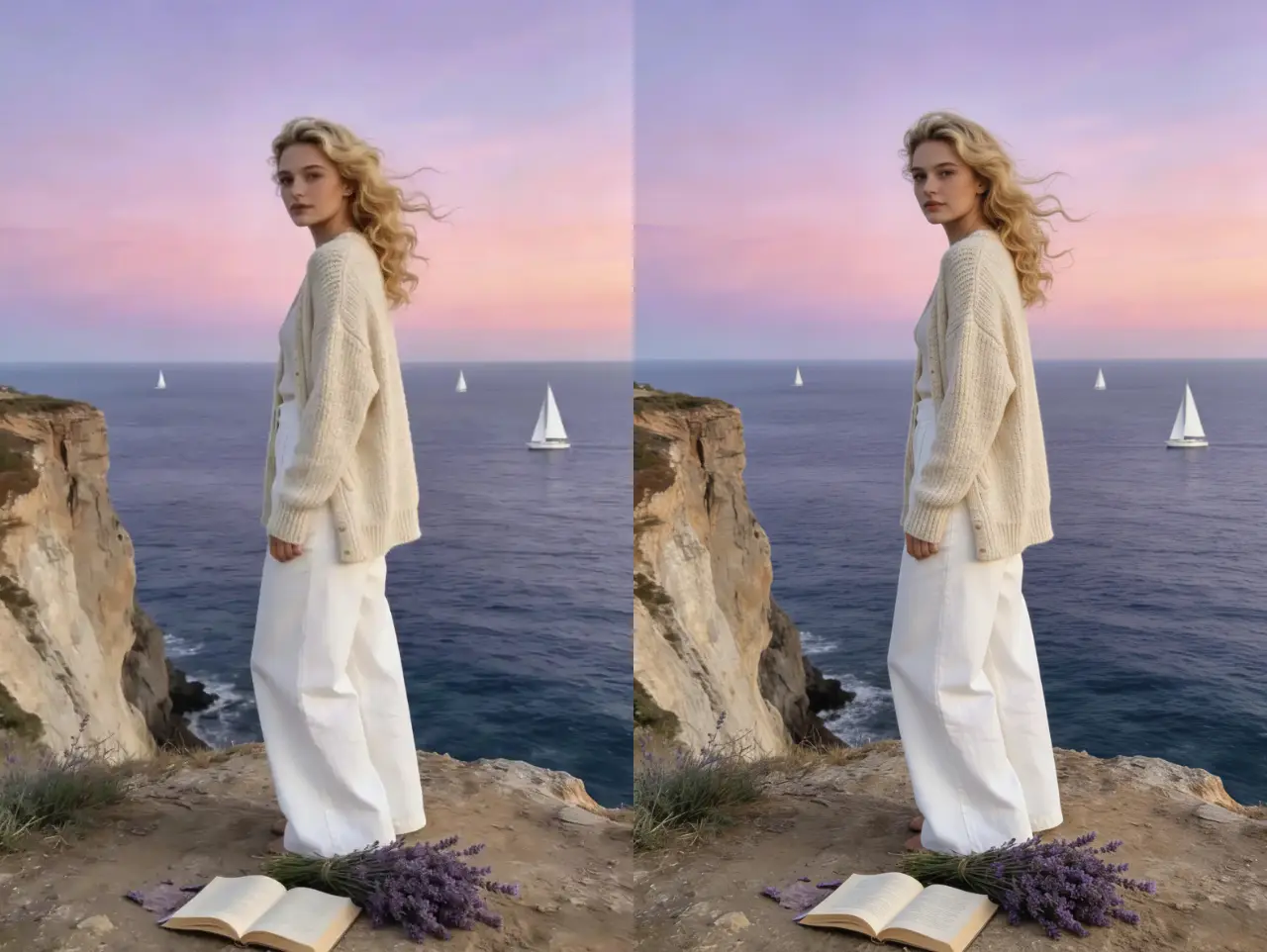
Reduce obvious square pixels in images enlarged from small originals.
Smooth stepped outlines around faces, products, graphics, and text shapes.
Improve the visible definition of eyes, hair, clothing, and facial edges.
Refine silhouettes and surface transitions for listings and catalogs.
Clean up compressed illustrations, icons, screenshots, and digital artwork.
Make low-resolution scans and repeatedly saved images more presentable.
Choose the largest available JPG, JPEG, PNG, WebP, HEIC, or HEIF source.
PxBee analyzes blocky regions and estimates smoother transitions automatically.
Inspect faces, fingers, text, labels, logos, patterns, and straight edges.
Save the result when it looks natural, and keep the original for reference.
A pixelated image shows large square blocks or stair-stepped edges. A blurry image looks soft, smeared, shaken, or out of focus. Choosing the right tool avoids unnecessary processing and usually gives a more natural result.
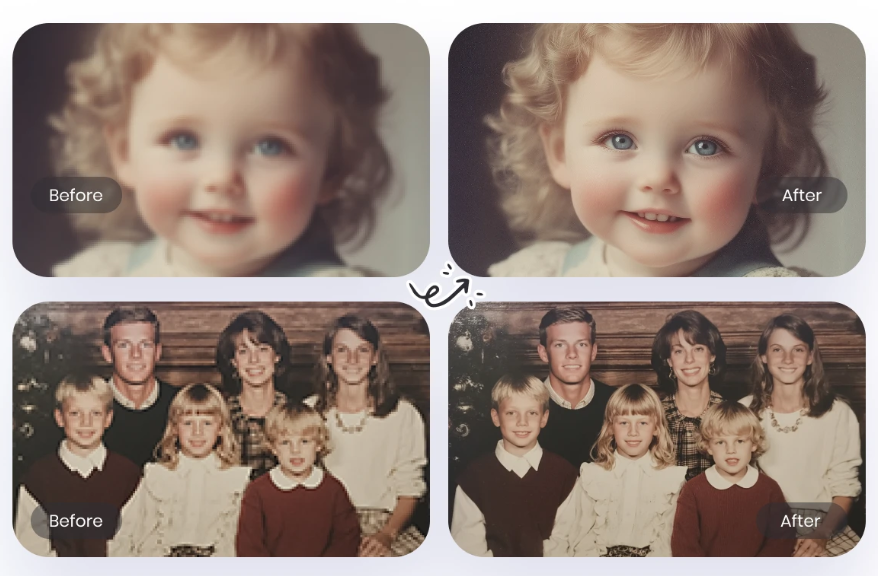
Use Unpixelate Image AI.
Use the Unblur Image tool.
Use the HD Photo Converter.
Use the Photo Enhancer.
Use unpixelation when the best available copy is small or visibly blocky. A cleaner result can be useful for profile images, marketplace listings, presentation graphics, family scans, and digital design—provided important details are checked against the source.
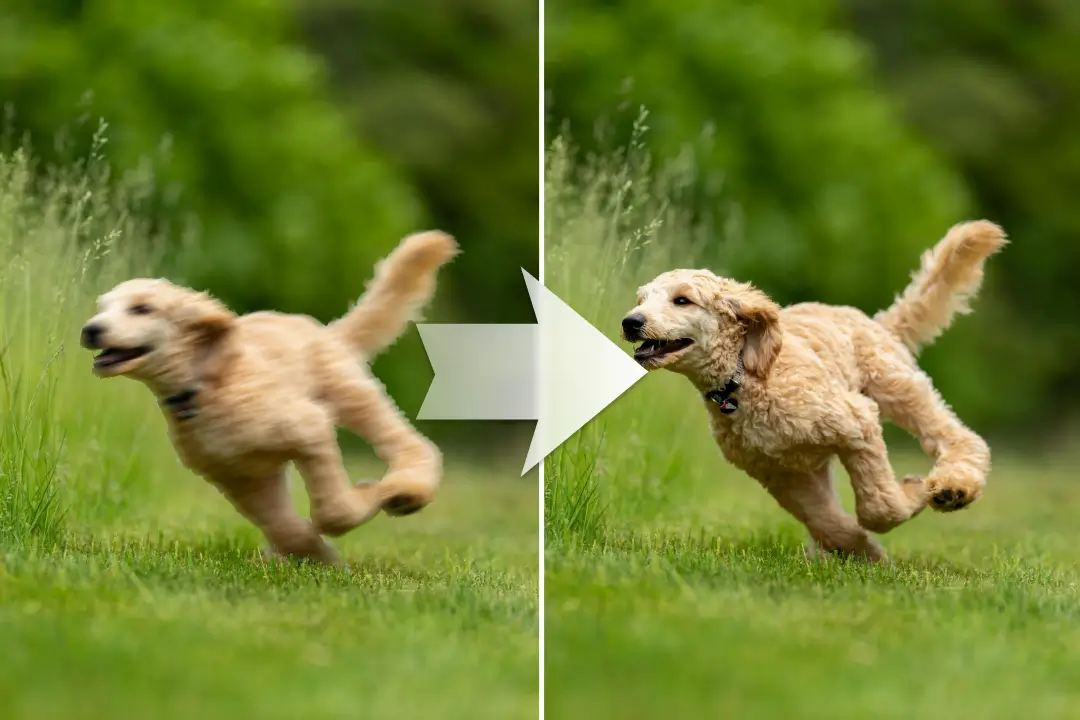
Smooth blocky facial outlines while keeping the result natural.
Improve edges around products without changing real features.
Refine a small scan while preserving the unedited original.
Reduce jagged shapes in compressed web and design assets.
Prepare a cleaner-looking version before cropping or resizing.
Make a small supplied image more usable on a slide.
When pixels are missing, software must estimate what could fit between the visible blocks. The output may look sharper while containing details that were not present in the source.
After reducing pixelation, continue only if the image has a separate, clearly defined problem.
These workflows address different visual problems.
| Your image problem | Best PxBee tool | Primary change |
|---|---|---|
| Large square pixels or jagged blocks | Unpixelate Image AI | Estimates smoother edges and transitions |
| Soft, shaken, or slightly out of focus | Unblur Image AI | Reduces visible blur and sharpens edges |
| Clear image is too small | HD Photo Converter | Increases dimensions and perceived detail |
| Photo has broader quality issues | Photo Enhancer | Balances clarity, detail, and overall appearance |
| A distracting object must be removed | Magic Eraser AI | Fills a selected object area |
Source quality determines how much useful structure the AI has to work with.
Avoid screenshots and social-media copies when a better file exists.
Multiple passes can create harsh edges, halos, plastic skin, and false texture.
Check important details before publishing or printing.
Severely pixelated information may be impossible to reconstruct accurately.
Reduce mild motion, focus, or compression blur.
Open toolIncrease dimensions when the existing image is already clear.
Open toolApply broader improvements to overall photo quality.
Open toolAdd new canvas around the image after refinement.
Open toolUpload the largest source available and let PxBee refine blocky edges and visible pixelation online.