Virtual haircut preview

Try Hairstyles on Your Photo With AI

Thinking about a new haircut, bangs, longer hair, curls or a different color? Preview a new look on your own portrait before visiting a barber or stylist.
Explore Styles
  • ✓ Start without signup
  • ✓ JPG, JPEG, PNG or WebP
  • ✓ Preview—not a salon guarantee
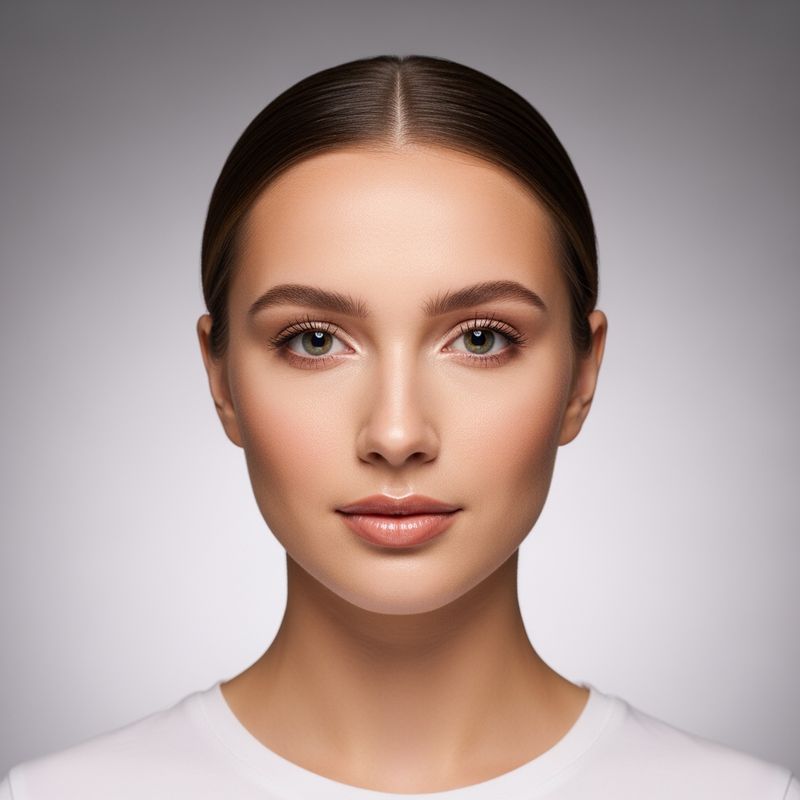
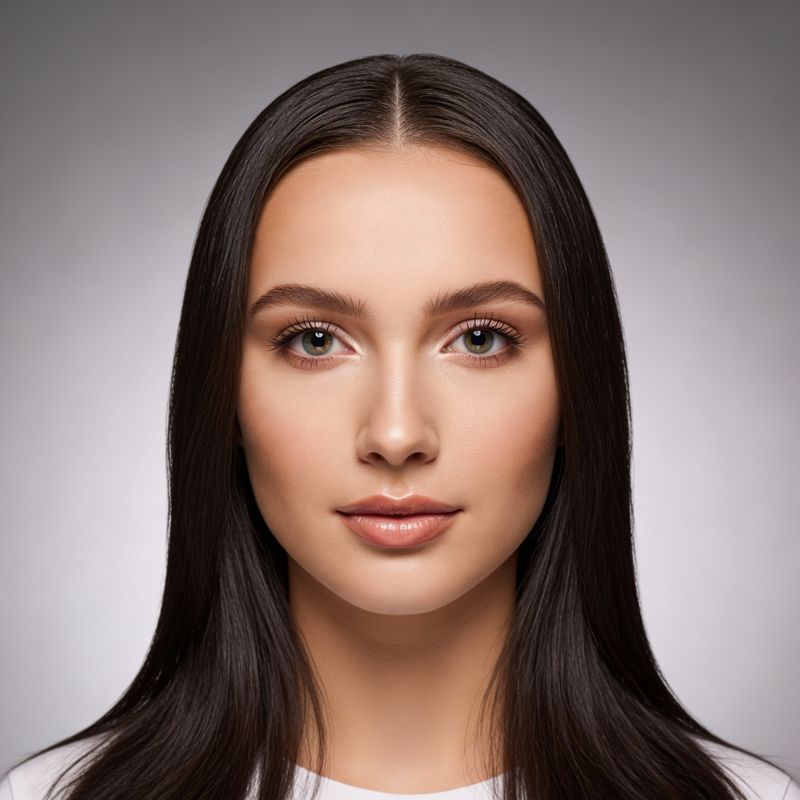
Portrait before trying an AI hairstyleSame portrait with long straight hairSame portrait with short curly red hair
Upload · select · describe

Drag Your Portrait Here

Choose your own portrait or one you have permission to edit, then describe the hairstyle you want to preview.

Clear front-facing portrait ready for a hairstyle preview
Drag your portrait hereor choose JPG, JPEG, PNG or WebP · up to 20 MBChoose Portrait

Choose a portrait and describe the hairstyle to continue.

Only upload portraits you may edit. Review the Privacy Policy.

A personalized visual concept

Preview a Haircut Before Making a Real Change

A haircut can change your overall appearance, but it is not always easy to imagine the result from a reference photo alone. PxBee uses your portrait and prompt to explore a shorter cut, more length, bangs, layers, curls, volume, a different parting or new color.

The generated result is a preview—not a promise of an identical salon outcome.
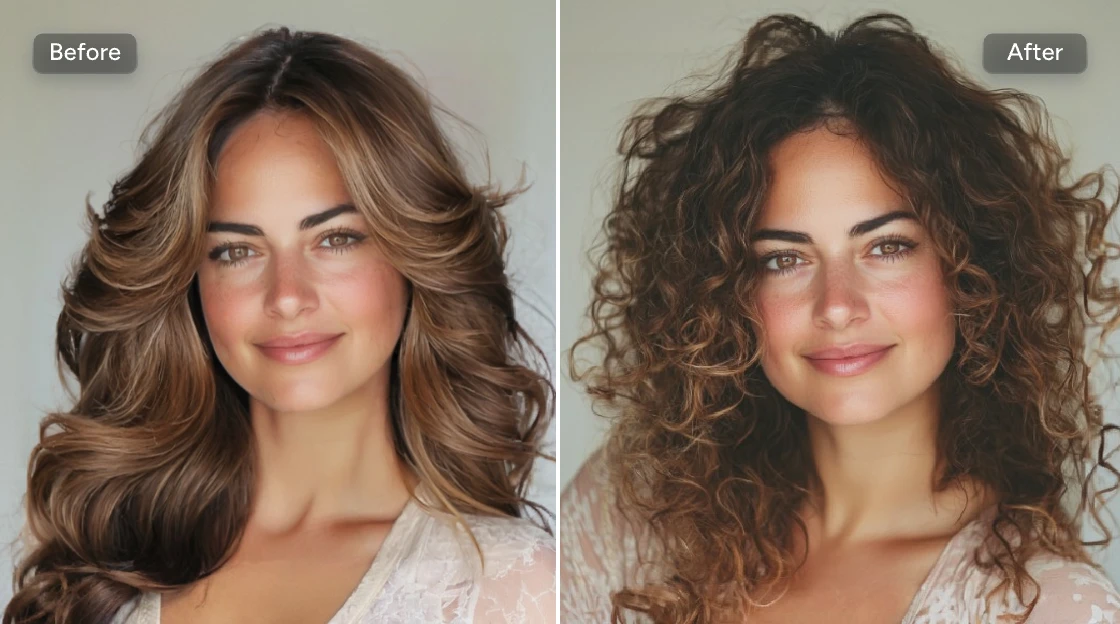
Straight layered hairstyle changed to voluminous curls
Compare the silhouette, texture and hairline—not only the overall impression.
Length, texture, bangs and shape

Try Short, Medium and Long Hairstyles

Short hairstyles

Explore pixie cuts, textured crops, crew cuts, fades, short curls and sleek cropped styles.

Medium-length hairstyles

Try bobs, lobs, curtain bangs, layered cuts, center parts, side parts, waves and shoulder-length styles.

Long hairstyles

Preview long layers, straight hair, loose waves, curls, face-framing pieces and different volumes.

Bangs and fringe

Test curtain, side-swept, blunt, textured or wispy bangs before committing.

Curly and textured styles

Describe curl pattern, length, volume, shape and parting. Natural curl behavior cannot be predicted exactly.
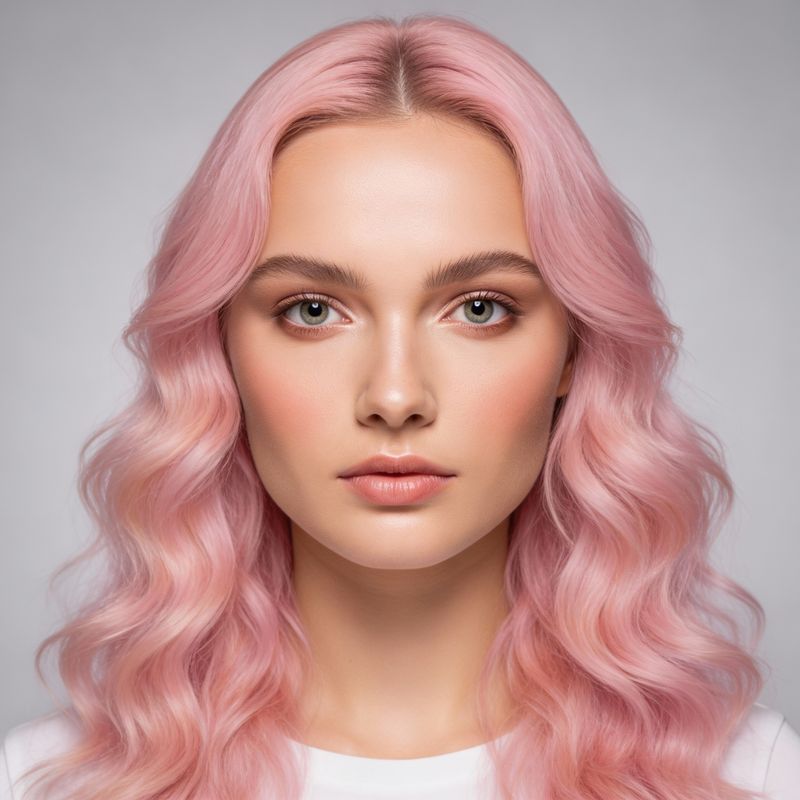
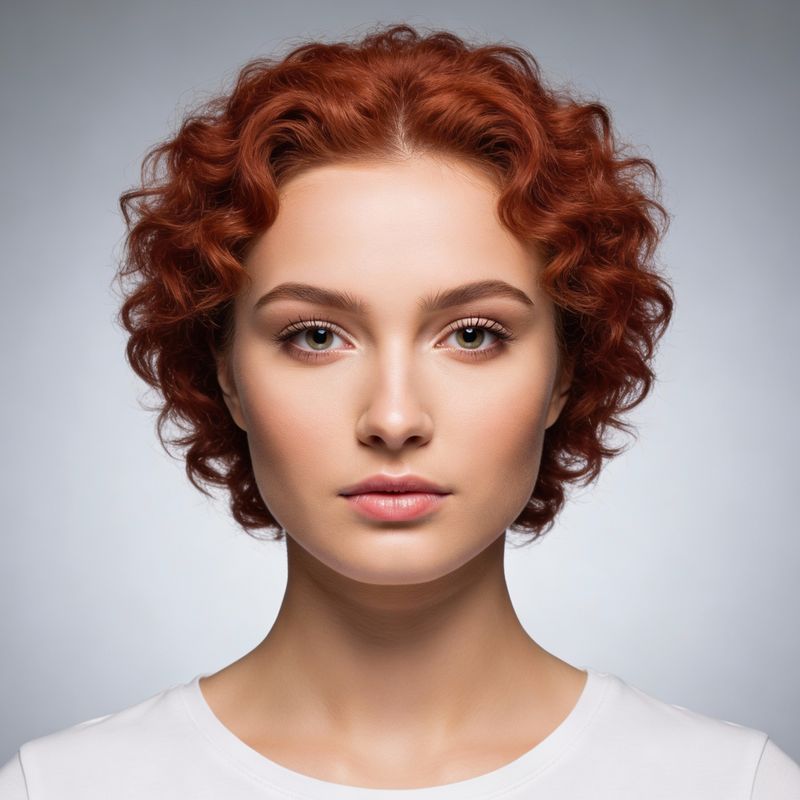
Long straight hairstyle previewShort curly hairstyle previewLong pink wavy hairstyle preview
Barber-style concepts

AI Hairstyle Changer for Men

Try a traditionally masculine haircut before visiting a barber. Anyone can use any style that matches their preference.

Textured crop: a short textured top with a defined fringe and clean sides.

Taper fade: a gradual transition around the sides and back while keeping the requested length on top.

Pompadour: height and volume at the front with shorter controlled sides.

Crew cut: a short practical cut with slightly more length on top.

Longer wavy style: medium or long textured hair with a relaxed part and natural movement.

Buzz cut: a very short even cut; use the dedicated filter for a focused preview.
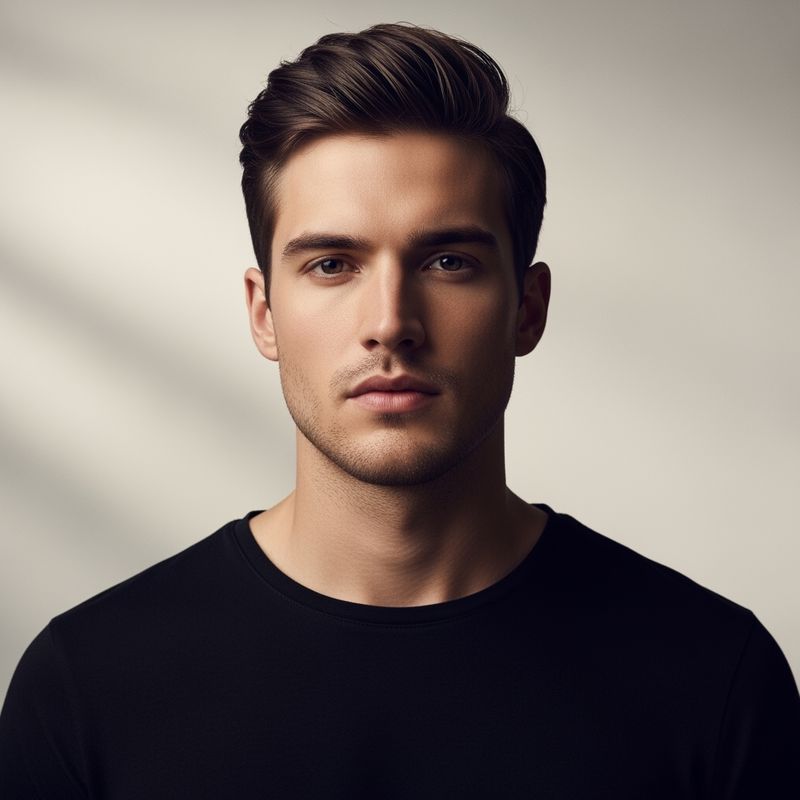
Men's pompadour hairstyle preview
Pompadour
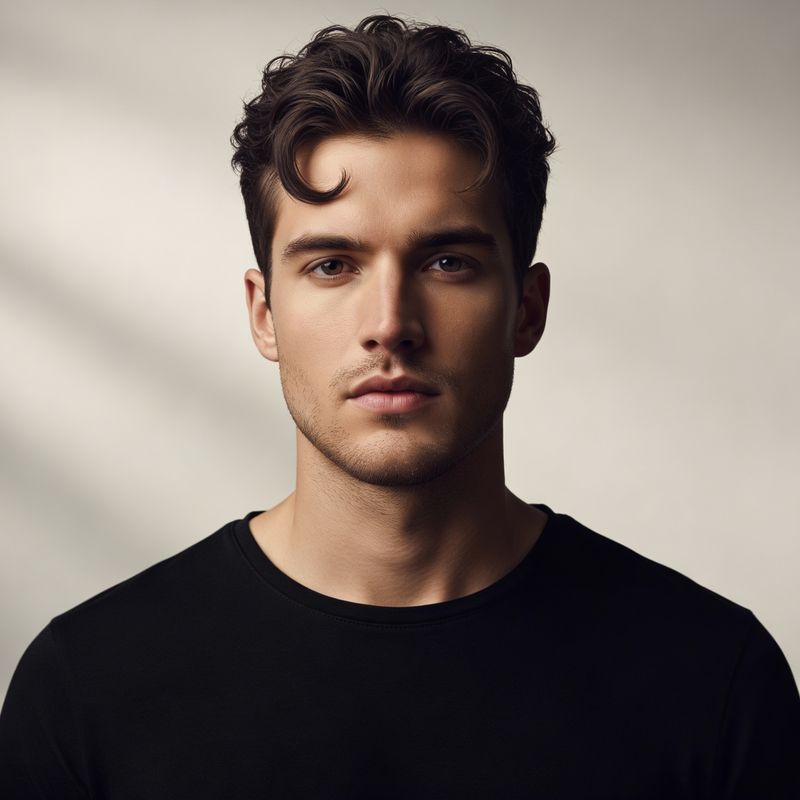
Men's longer wavy hairstyle preview
Longer waves
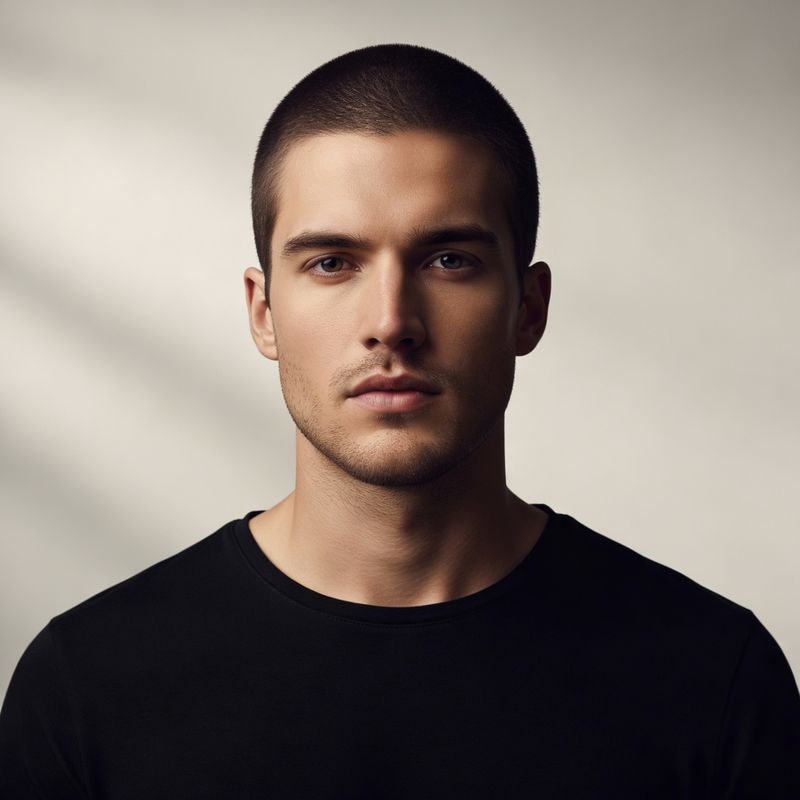
Men's buzz cut preview
Buzz cut
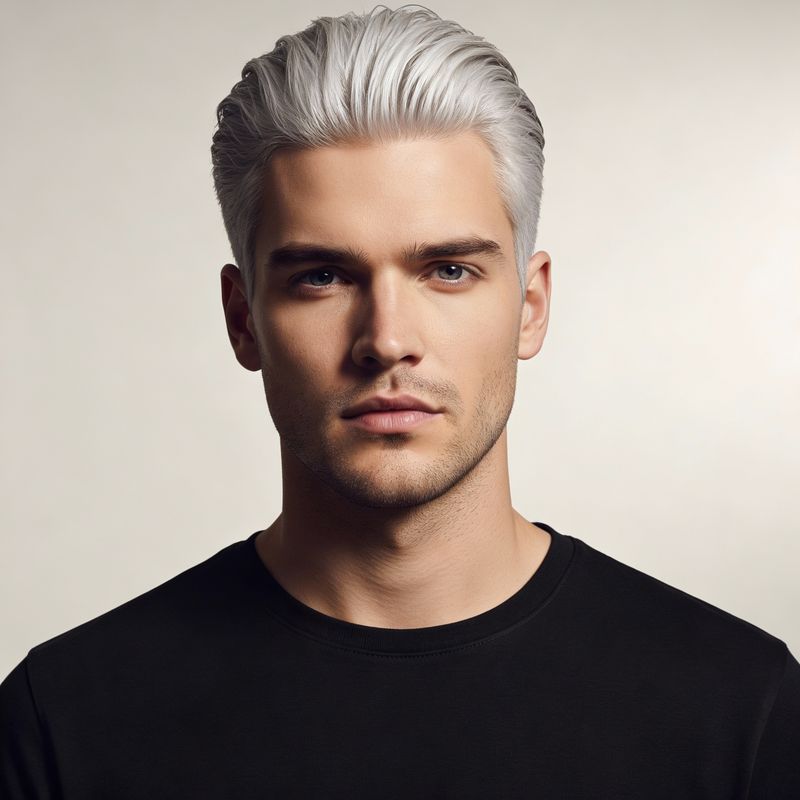
Men's swept-back silver hairstyle preview
Swept-back color concept

Open AI Buzz Cut Filter →

Copy, adapt and generate

Hairstyle Prompts You Can Copy

Adjust length, texture, fringe, parting, color and finish to match your idea.

Short textured crop

Short textured crop, low taper fade, natural black hair, defined texture, clean but natural hairline.

Medium layered haircut

Medium-length layered haircut, soft natural waves, center part, dark chestnut brown, realistic volume.

Curtain bangs

Shoulder-length hair with soft curtain bangs, subtle layers, warm brown color, natural texture.

Curly bob

Chin-length curly bob, defined soft curls, side part, deep brown hair, realistic volume and shadows.

Classic pompadour

Classic short pompadour, controlled volume at the front, tapered sides, dark brown hair, neat finish.

Long waves

Long layered hair, loose natural waves, middle part, rich black color, soft shine and realistic texture.

Pixie cut

Short layered pixie cut, side-swept fringe, dark auburn color, soft natural texture.

Cut and color

Shoulder-length layered bob, side part, subtle copper brown, natural shine, soft face-framing pieces.

Six practical steps

How to Change Your Hairstyle With AI

  1. 01

    Upload a portrait

    Choose a clear JPG, JPEG, PNG or WebP image with the full head visible.

  2. 02

    Brush over your hair

    Select the complete hairstyle, using a smaller brush near the face, ears and neck.

  3. 03

    Describe the new look

    Enter the cut, length, texture, color, bangs, parting, volume and finish.

  4. 04

    Generate the hairstyle

    Let PxBee create a virtual hairstyle concept from your selection and prompt.

  5. 05

    Review the details

    Check the hairline, forehead, ears, face, neck, background and texture.

  6. 06

    Save or compare

    Download a preferred version or adjust the prompt and try another style.
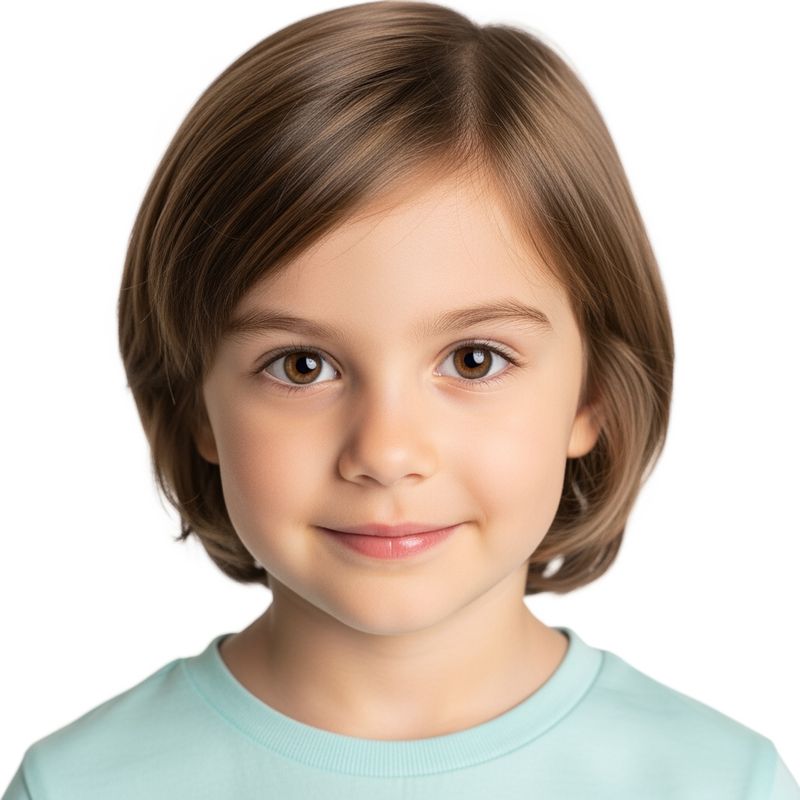
Better input, more useful preview

How to Get a More Natural Preview

  • Use a clear front-facing photo. Keep the face and head outline visible.
  • Choose even lighting. Avoid deep shadows, colored light and overexposure.
  • Remove hats and large accessories. Hoods, headphones and hands can interfere.
  • Avoid group photos. Use one clear person.
  • Describe the cut precisely. Include length, texture, bangs, parting, volume, color and finish.
  • Generate more than one version. Compare interpretations before choosing.
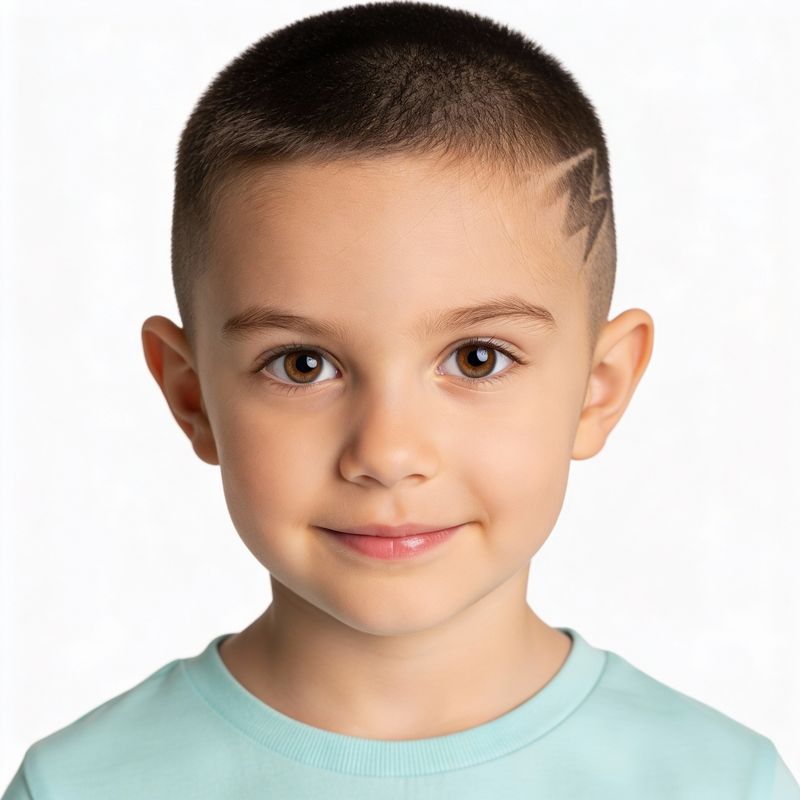
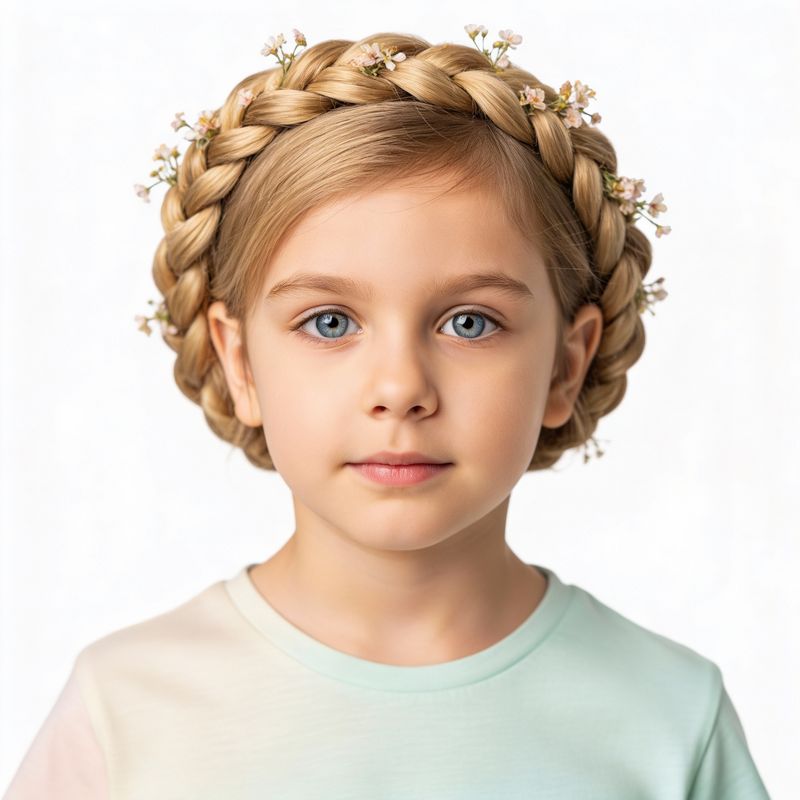
Child portrait with bob hairstyleChild portrait with buzz cut hairstyleChild portrait with braided hairstyle

Protect children’s privacy

A parent or guardian should control the upload and sharing of a child’s image. Avoid school, location or identity details and review the Privacy Policy first.

Use the result as a conversation starter

From Virtual Preview to Real Haircut

Take the generated image to a barber or stylist as a visual reference. Discuss current length, natural texture, density, thickness, hairline, growth direction, styling time, maintenance, products, heat styling, bleaching and what can be achieved in one appointment.

A professional can adapt the idea to your real hair and explain how the cut will grow out.

Original men's portrait compared with four virtual hair-color previews
Compare directions, then verify practical color and maintenance requirements with a professional.
Choose the focused workflow

Change the Cut or Only the Color?

Change the whole hairstyle

Use this Hairstyle Changer for length, silhouette, texture, bangs or a complete style.

Keep the cut, change the shade

Use the AI Color Replacer when only hair color should change.

Review before sharing

Important Virtual Hairstyle Limitations

Generated hair can alter the natural hairline, ear visibility, forehead edges, facial details, earrings, glasses, clothing near the neck, background, curl consistency and small accessories.

Compare the preview with the original and read AI Image Editing Limitations. For a step-by-step tutorial, see how to change hair in a photo.
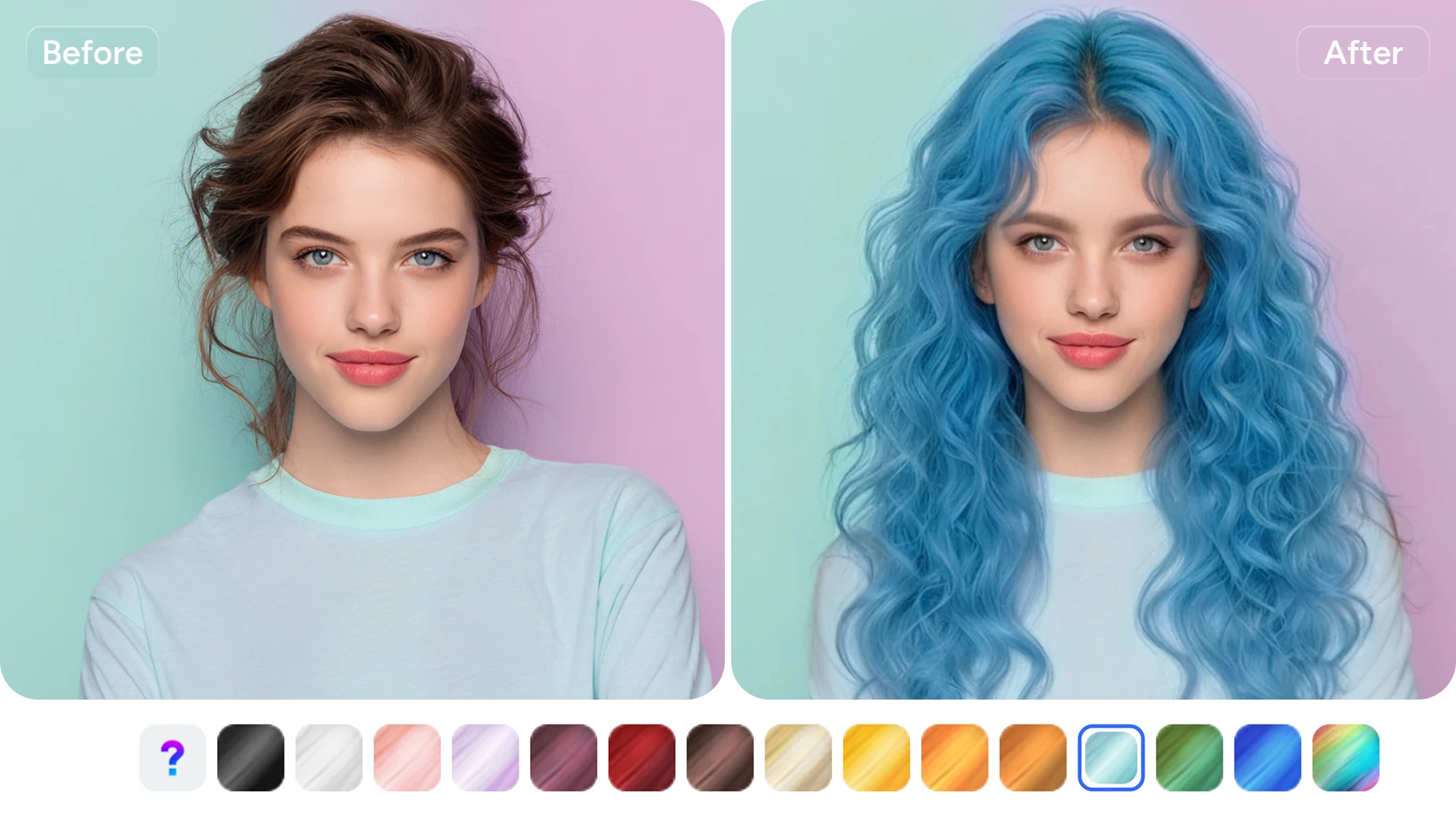
Portrait before and after a blue wavy hairstyle and color preview
Before you generate

Hairstyle Changer AI FAQs

It is a browser-based generative editor that creates virtual hairstyle concepts from a portrait, brushed hair selection and written prompt.

Upload a clear portrait, select all visible hair, describe the desired style, generate a preview and inspect it before saving.

Yes. Describe the intended length, silhouette, texture, parting, bangs, volume and finish.

Yes. Anyone can preview any hairstyle. Common prompts include crops, fades, crew cuts, pompadours and longer textured styles.

Yes. Specify curtain, blunt, side-swept, textured or wispy bangs and include the overall length and parting.

Yes, but generated curl patterns are approximate and cannot predict how a person’s natural texture will behave after a real cut.

Yes, although the AI Color Replacer is the more focused workflow when the current cut should remain unchanged.

No. Hair density, texture, growth direction, hairline, styling, products and the stylist’s technique affect real results.

Use a sharp, evenly lit, front-facing portrait with one person, the complete head visible and no hat, hood, headphones or hand covering the hair.

Hair overlaps the forehead, ears, cheeks and neck. An imprecise mask or difficult boundary can cause nearby pixels to be regenerated.

A portrait with one clear person is recommended because group photos make hair selection and identity preservation less reliable.

Yes. For a more focused very-short-hair workflow, use the dedicated AI Buzz Cut Filter.

Yes. Include length, texture, fringe, parting, volume, color and finish instead of relying on a vague style name alone.

Use it as a discussion reference. A barber or stylist should adapt the idea to your real hair, maintenance needs and achievable process.

The current uploader accepts JPG, JPEG, PNG and WebP images up to 20 MB.

PxBee currently presents the workflow as free. Check the live editor for current generation limits, credits, exports or paid options.

This page allows image selection without signup. Any later account requirement is controlled by the live editor.

The page is responsive in current mobile browsers, though detailed brushing is usually easier on a larger screen.

Only when you have permission and a lawful, non-deceptive purpose. A parent or guardian should control editing and sharing of a child’s image.

Review the current Privacy Policy for processing, retention, deletion and security information before uploading private images.
Plan the conversation, not the outcome

Find a Hairstyle Direction to Discuss With Your Stylist

Upload a clear portrait, describe the look and compare virtual hairstyle ideas before making a real change.

JPG, JPEG, PNG and WebP supported
Virtual pink wavy hairstyle preview created with PxBee